Turn any image or picture into a multi-size .ico icon on your device. This image-to-icon converter accepts PNG, JPG, WebP, or SVG, packs the sizes you pick into one .ico (plus optional favicon.zip), and never uploads your file.
PNG · JPG · WebP · SVG — nothing is ever uploaded
Images are decoded and resized with Canvas in your browser. Your image data is never uploaded for conversion.
One pass builds a multi-size .ico and a favicon.zip with PNG sizes you checked.
Copy ready-to-paste <link rel="icon"> tags for your site.
Free, no signup, no preview unlock — drop, download, done.
Drop your image (PNG, JPG, WebP, or SVG) into the zone above, choose icon sizes, then download a multi-size .ico. The picture stays on your device — no upload step.
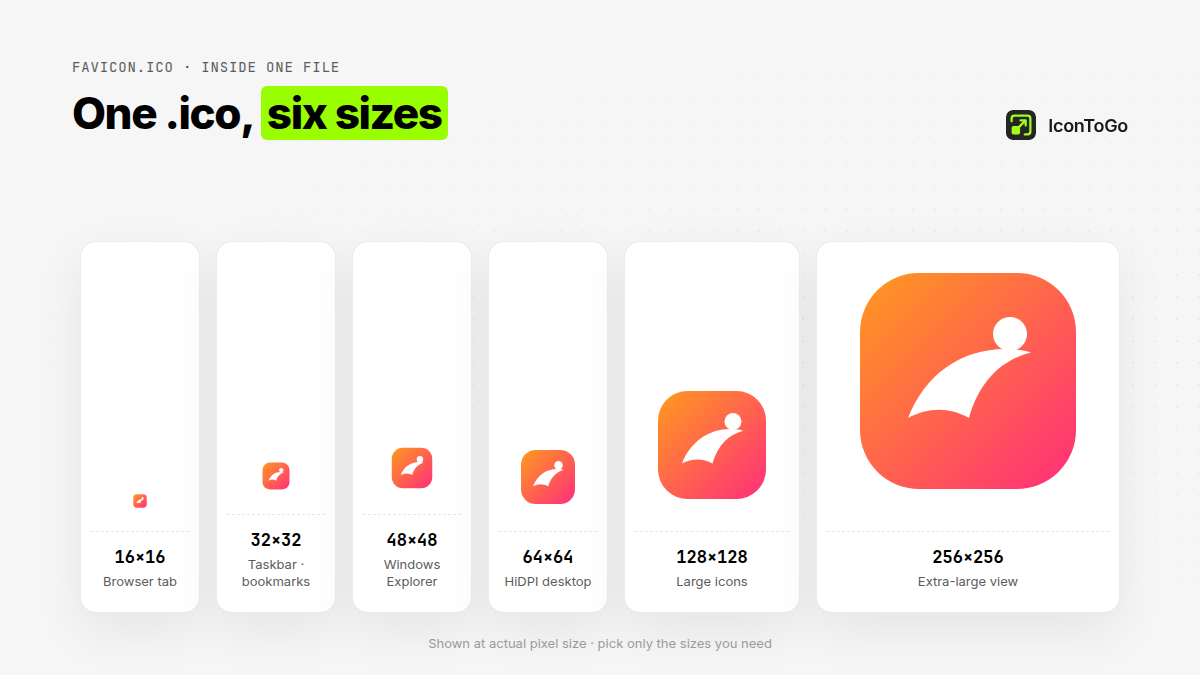
Use this picture-to-icon path when you have a logo or photo and need a Windows-friendly .ico. Pick 16–256 sizes, optionally add apple-touch and a site.webmanifest draft in the ZIP.
PNG→ICO is for when you already know the source is PNG. This page covers any image or picture (PNG, JPG, WebP, SVG) when you want to turn any image or picture into an icon.
Yes. After you convert the picture to ICO, download favicon.zip for PNG sizes, optional apple-touch-icon, a site.webmanifest draft, and copy-paste <link rel="icon"> tags.
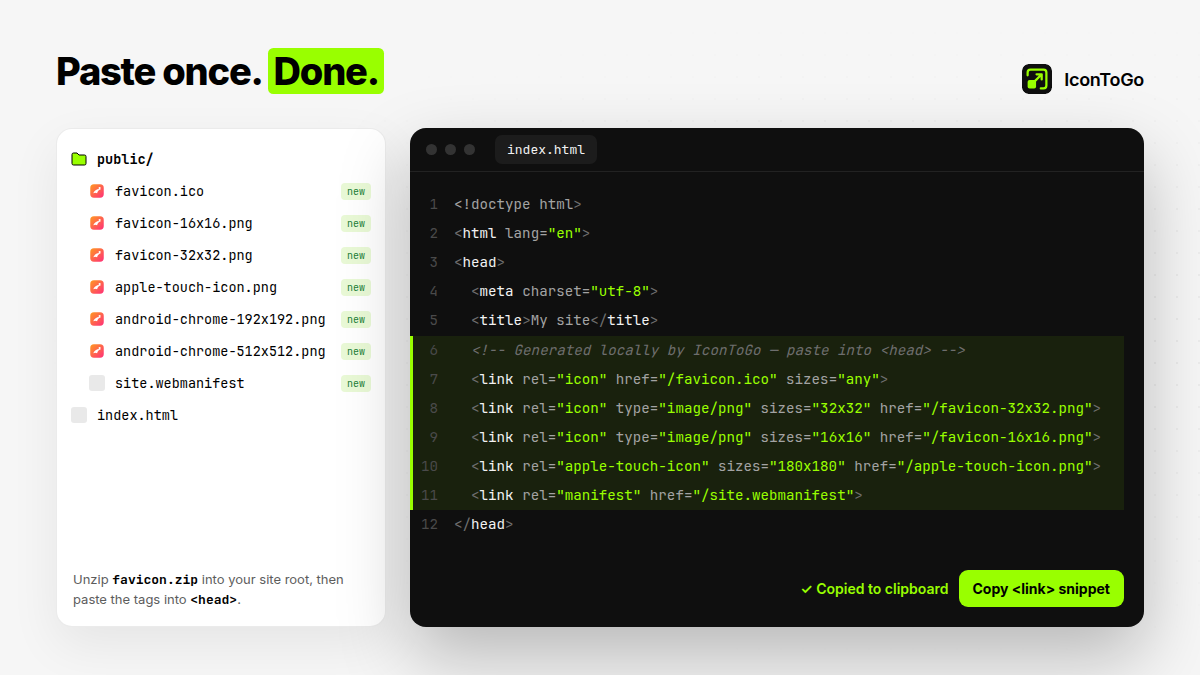
According to MDN’s favicon glossary and the Wikipedia ICO file-format article, sites typically expose multiple icon sizes; IconToGo exports those sizes as one local pack.
Drop a PNG, JPG, WebP, or SVG onto this page, pick the sizes you need, then download a multi-size .ico. Everything runs locally — the picture never uploads.
Yes. This picture-to-icon converter packs PNG frames into an .ico (Vista+). Keep 16/32/48 checked for broader desktop compatibility.
PNG, JPG/JPEG, WebP, and SVG. SVG is rasterized in the browser to the sizes you select before packing into ICO.
The homepage is the brand hub for ICO and favicon packs. This page focuses on the image-to-icon / picture-to-icon conversion intent with matching copy and FAQ.
No account, no email, no paywall preview.
 IconToGo